



The Best Billing Software for Small Businesses: A Practical BillingNow Breakdown
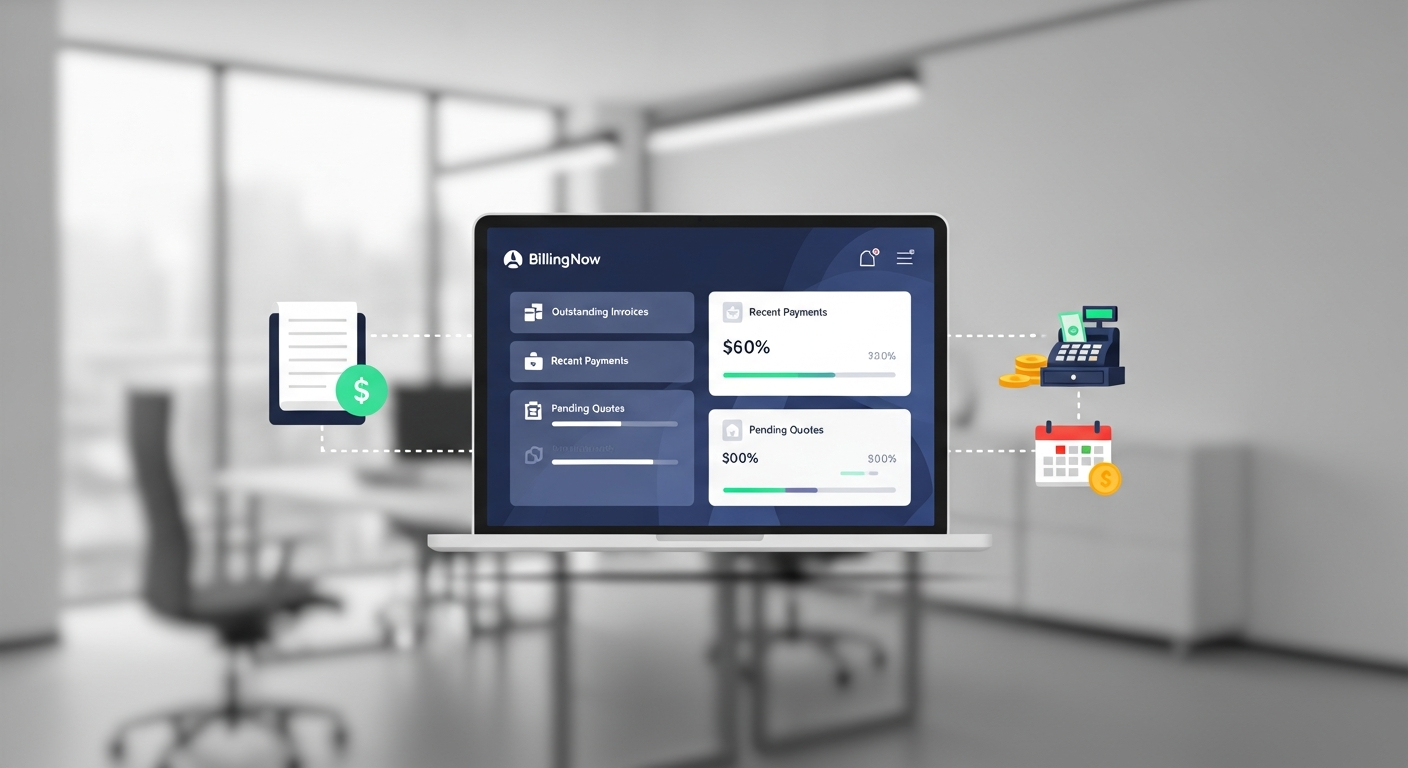
Small businesses don’t need more tools; they need tools that actually get them paid faster. BillingNow positions itself as an all-in-one billing platform built for lean teams who want to automate admin without hiring a full-time finance department.
In this breakdown, we’ll explore BillingNow from a practical, day-in-the-life angle:
- What it’s like to use BillingNow as a small business owner
- The core features that truly matter (and what you can ignore)
- How it fits into your existing tools and workflows
- When BillingNow is the right choice—and when it’s not

Why Billing Software Matters More Than Ever
If you’re still billing with spreadsheets, PDFs, or manual bank transfers, you’re likely dealing with:
- Late payments because invoices get lost or ignored
- Error-prone calculations (tax, discounts, partial payments)
- No visibility into who owes what and when
- Time wasted chasing invoices instead of closing deals
BillingNow aims to solve these by centralizing your quote-to-cash workflow in a single, predictable system.
The BillingNow Experience: From Quote to Cash
Instead of listing features in the abstract, let’s walk through a realistic flow for a small business using BillingNow.
1. Creating a Quote in Minutes
You win conversations by sending quotes fast and clearly.
With BillingNow, you can:
- Create reusable product/service catalogs
- Build quotes with pre-set pricing and tax rules
- Add discounts, payment terms, and valid-until dates
{
  "client": "Acme Design Co.",
  "items": [
    { "description": "Brand strategy workshop", "qty": 1, "unit_price": 1200 },
    { "description": "Logo & visual identity", "qty": 1, "unit_price": 1800 }
  ],
  "currency": "USD",
  "discount": 0.1,
  "payment_terms": "Net 15"
}
Example of a structured quote payload (behind the scenes) that BillingNow might generate and store.
2. One-Click Conversion: Quote → Invoice
Once your client accepts the quote (via link or email confirmation), BillingNow lets you convert it into an invoice in one click:
- No re-typing line items
- Taxes and discounts carry over
- Invoice number and due date auto-generated
This is crucial because every manual step is a chance for error and delay.
3. Getting Paid—Without Awkward Chasing
BillingNow integrates with payment providers (e.g., Stripe, PayPal, and regional gateways depending on your country) so that clients can pay directly from the invoice.
Key advantages:
- Payment links embedded in invoices
- Automatic payment status updates (Paid, Overdue, Partial)
- Optional late payment reminders that send themselves
Core Features That Actually Matter for Small Businesses
Many platforms overload you with enterprise-grade features. BillingNow focuses on essentials that small teams actually use.
Intuitive Invoice Creation
BillingNow’s invoice editor is designed for non-accountants:
- Pre-configured templates with your logo and branding
- Multi-currency support for international clients
- Saved client profiles and recurring details
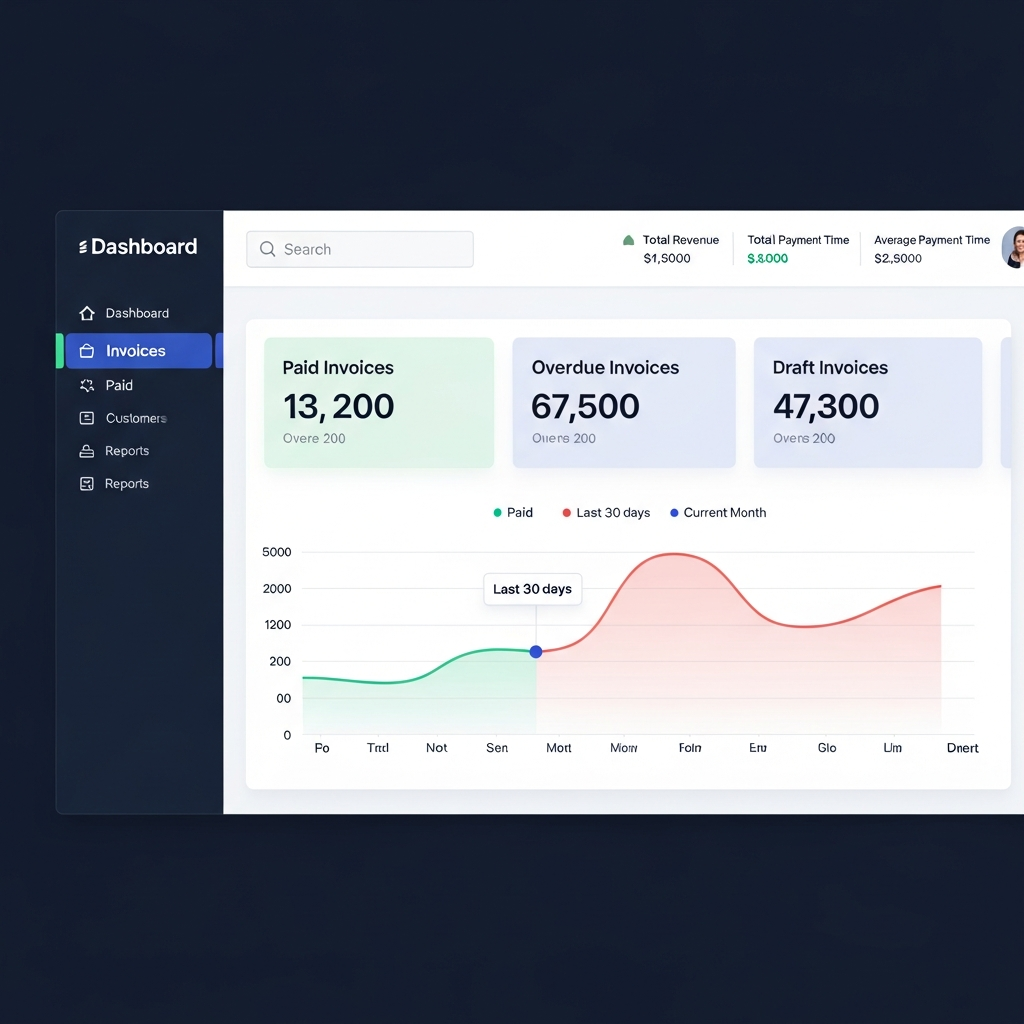
Invoice #INV-2048
Client: Acme Design Co.
Issue Date: 2025-01-05
Due Date: 2025-01-20 (Net 15)
Status: Sent
Total: $2,700.00 (10% discount applied)
Recurring Billing for Subscriptions & Retainers
If you run a retainer, membership, or subscription model, recurring billing is non-negotiable.
With BillingNow you can:
- Set billing frequency (weekly, monthly, quarterly, annually)
- Auto-charge stored payment methods (where supported)
- Send automatic invoices before charging
Smart Reminders and Dunning
BillingNow’s reminder system helps you collect cash without sounding desperate.
You can configure:
- Friendly pre-due reminders (e.g., 3 days before due date)
- Overdue nudges at intervals (e.g., 3, 7, 14 days after due date)
- Email templates that match your tone: warm, neutral, or firm
Example reminder snippet:
Subject: Quick reminder – Invoice #INV-2048 (due {{due_date}})

Hi {{client_name}},

Just a friendly reminder that invoice {{invoice_number}} for {{amount_due}} is due on {{due_date}}.
You can pay securely here: {{payment_link}}

Thank you,
{{your_business_name}}
How BillingNow Fits Into Your Existing Stack
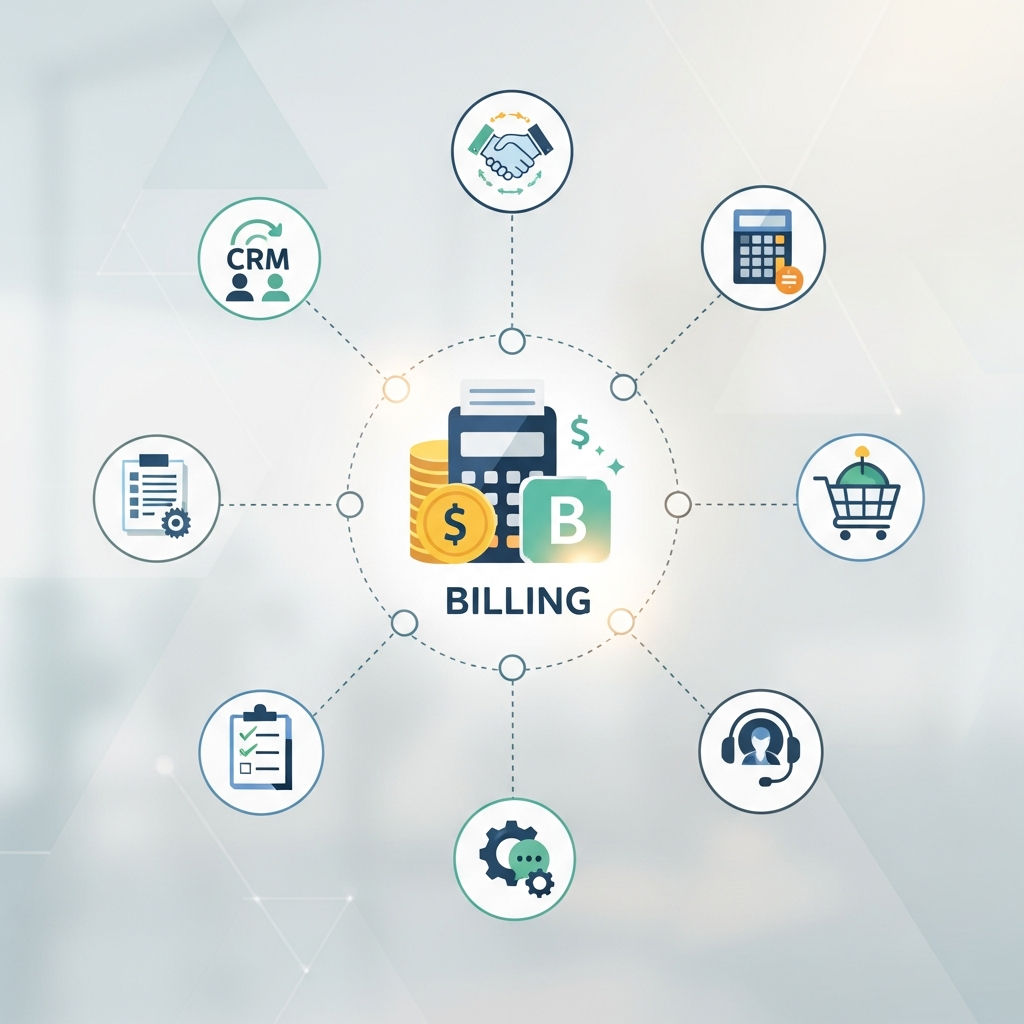
Billing software becomes powerful when it talks to your other tools. BillingNow offers integrations and export options aimed at real-world small business needs.
Accounting & Bookkeeping
Instead of replacing your accountant, BillingNow feeds them cleaner data:
- Export invoices and payments to CSV or Excel
- Integrate with popular accounting systems (e.g., QuickBooks, Xero, or local alternatives depending on your region)
- Simplify tax time with clear income reports
CRM & Sales
If you’re managing leads in a CRM, BillingNow can act as the last mile of your pipeline:
- Trigger invoice creation when a deal is marked "Won"
- Sync client details to avoid double entry
- Report on revenue by client, region, or sales rep
Payment Gateways
BillingNow’s payment integrations help reduce friction:
- Popular card processors and digital wallets
- Local bank transfer options (where supported)
- Support for partial payments and payment plans in certain workflows
Real-World Scenarios: Is BillingNow Right for You?
Let’s test BillingNow against three common small business profiles.
1. Solo Consultant or Freelancer
You need:
- Simple invoicing
- Easy online payments
- Recurring invoices for retainers
BillingNow fit:
- Excellent: you can set up in under an hour
- Save 2–4 hours/month vs. DIY invoicing
2. Small Agency (3–15 People)
You need:
- Multiple team members sending invoices
- Recurring billing for ongoing clients
- Basic reporting by client or project
BillingNow fit:
- Strong: team permissions and shared client list
- Good reporting for monthly revenue and aging invoices
3. Product-Based Micro Business
You need:
- Occasional custom invoices
- Possibly an e-commerce platform already
BillingNow fit:
- Useful if you do custom B2B orders or wholesale
- Might be overkill if all sales run strictly through an online store
Pros and Cons of BillingNow for Small Businesses
To keep this breakdown grounded, here’s an at-a-glance view.
Pros
- Fast to learn for non-finance users
- Strong quote → invoice → payment workflow
- Recurring billing and automated reminders
- Clean, exportable data for accountants
- Scales from solo to small teams easily
Cons
- Might feel too focused on services/retainers for pure e-commerce
- Some advanced reporting may require higher-tier plans
- Heavily regulated industries may still need an accountant or industry-specific system
Migration: Moving to BillingNow Without Chaos
Switching billing systems can be scary—but you can do it in a weekend if you plan it.
Simple Migration Checklist
- Export client list from your old system/spreadsheet
- Import clients into BillingNow
- Recreate your standard invoice templates
- Set up recurring invoices for active retainers
- Send a polite email to key clients that invoices will now come via BillingNow
Example notice email:
Subject: New invoice format from {{your_business_name}}

Hi {{client_name}},

Starting next week, you'll receive invoices from our new billing system, BillingNow.
They will include a secure payment link and clearer breakdowns of services.

If you have any questions, just reply to this email.

Best,
{{your_name}}
Pricing Considerations: When Does BillingNow Pay for Itself?
Rather than focusing on exact subscription tiers (which change over time), think in hours saved vs. cost.
Ask yourself:
- How many hours per month do you spend invoicing, chasing payments, and updating spreadsheets?
- What is your hourly rate or equivalent value?
- Does BillingNow’s monthly cost fall well below that value?
In many cases, if BillingNow saves even 2–3 hours per month, it effectively pays for itself.
How to Get the Most Out of BillingNow
Once you’re set up, a few habits will dramatically improve your results:
- Standardize your services and pricing so quotes are fast and consistent
- Use recurring invoices for any ongoing work—even if it’s quarterly
- Turn on automatic reminders instead of manually chasing payments
- Review your A/R (accounts receivable) report weekly to catch issues early
Final Verdict: Is BillingNow the Best Billing Software for Your Small Business?
BillingNow is strongest when:
- You’re a service-based small business (consulting, creative, agencies, B2B services)
- You need clean, professional invoices and recurring billing
- You value automation but don’t want an overwhelming finance suite
If that describes you, BillingNow is a top-tier contender and may very well be the best billing software for your stage and size.
If you run a complex inventory-heavy or purely retail operation, BillingNow can still sit alongside your POS or e-commerce platform for B2B and custom deals, but may not be your primary sales system.
Either way, the smartest move is to:
- Start a trial
- Rebuild 2–3 of your most common billing scenarios
- Measure how long they take compared to your current process
If BillingNow cuts the time and gives you better visibility, you’ve found your new billing home.