




Choose The Invoicing Software That Actually Saves You Time
You don’t need the most complex invoicing software. You need the one that makes sending invoices and getting paid feel almost automatic.
This guide walks you through a simple, practical way to choose the best invoicing tools for your business, using BillingNow as a concrete example of what to look for.
1. Start With the Work You Hate Doing
Before comparing features, list the 3–5 billing tasks you dislike most. Typical examples:
- Recreating “similar” invoices from scratch
- Chasing overdue payments
- Updating VAT or tax rules manually
- Tracking expenses to billable projects
Any billing system you evaluate should clearly show how it reduces or removes those tasks.
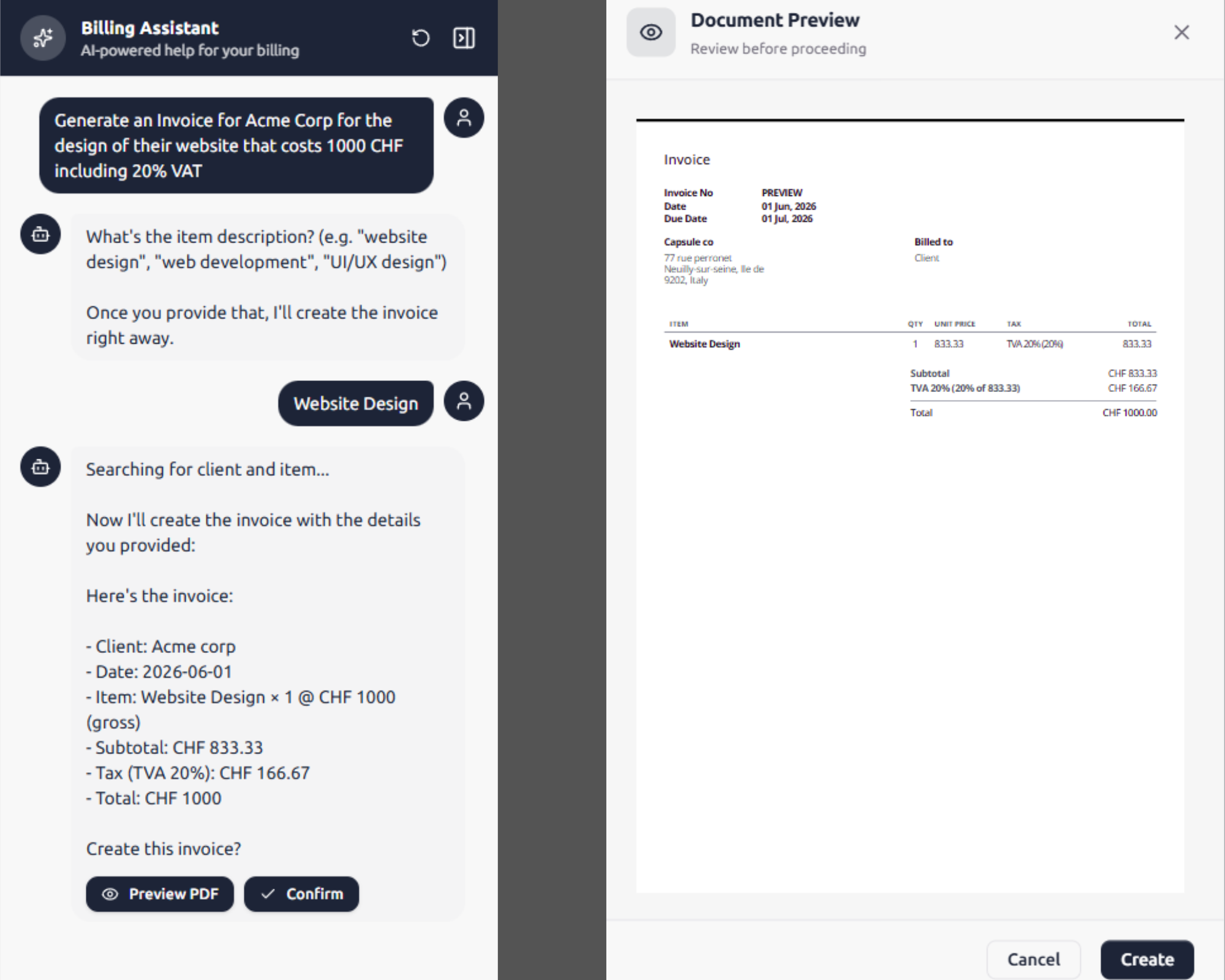
With BillingNow’s AI agents, for instance, you can generate recurring or one-off invoices from a short prompt, so you stop copying past invoices line by line.
2. Look for Automation, Not Just Templates
Most tools have templates. The time savings come from automation:
- AI assistance to draft invoice lines from plain language
- Recurring invoices for subscriptions or retainers
- Automatic numbering and client data filling
- Expense imports so you turn costs into billable items
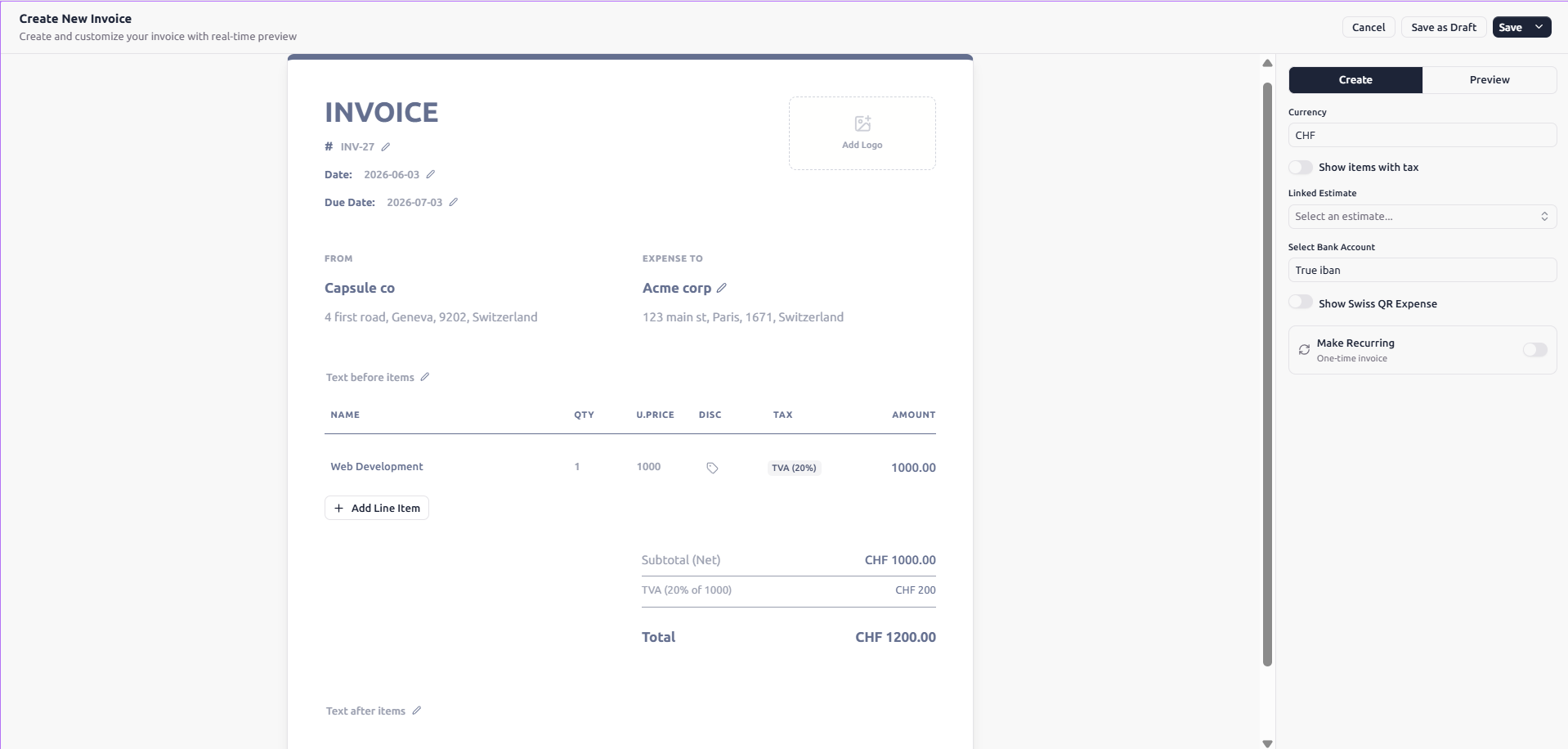
Try a live demo or free plan and create three invoices you’d send this month. If it isn’t faster than your current method by the third invoice, move on.
You can test this in seconds with the BillingNow invoice generator.
3. Compare Costs, Including the Hidden Ones
A software comparison isn’t just about sticker price. Consider:
- Monthly subscription tiers
- Extra fees per client, invoice, or user
- Add‑ons for features you’ll obviously need later (VAT, reports, export)
BillingNow keeps this simple: a free invoicing and billing software core with no hidden fees, plus optional plans tailored to small businesses.
If you’re evaluating competitors, BillingNow’s comparison pages are a useful benchmark:
4. Don’t Ignore Reporting and Tax Tools
Many businesses only discover weak reporting at tax time.
Check that your financial software offers:
- Clear income reports per month and per year
- Tax totals (especially VAT) ready for your accountant
- Easy export to Excel or your accounting tool
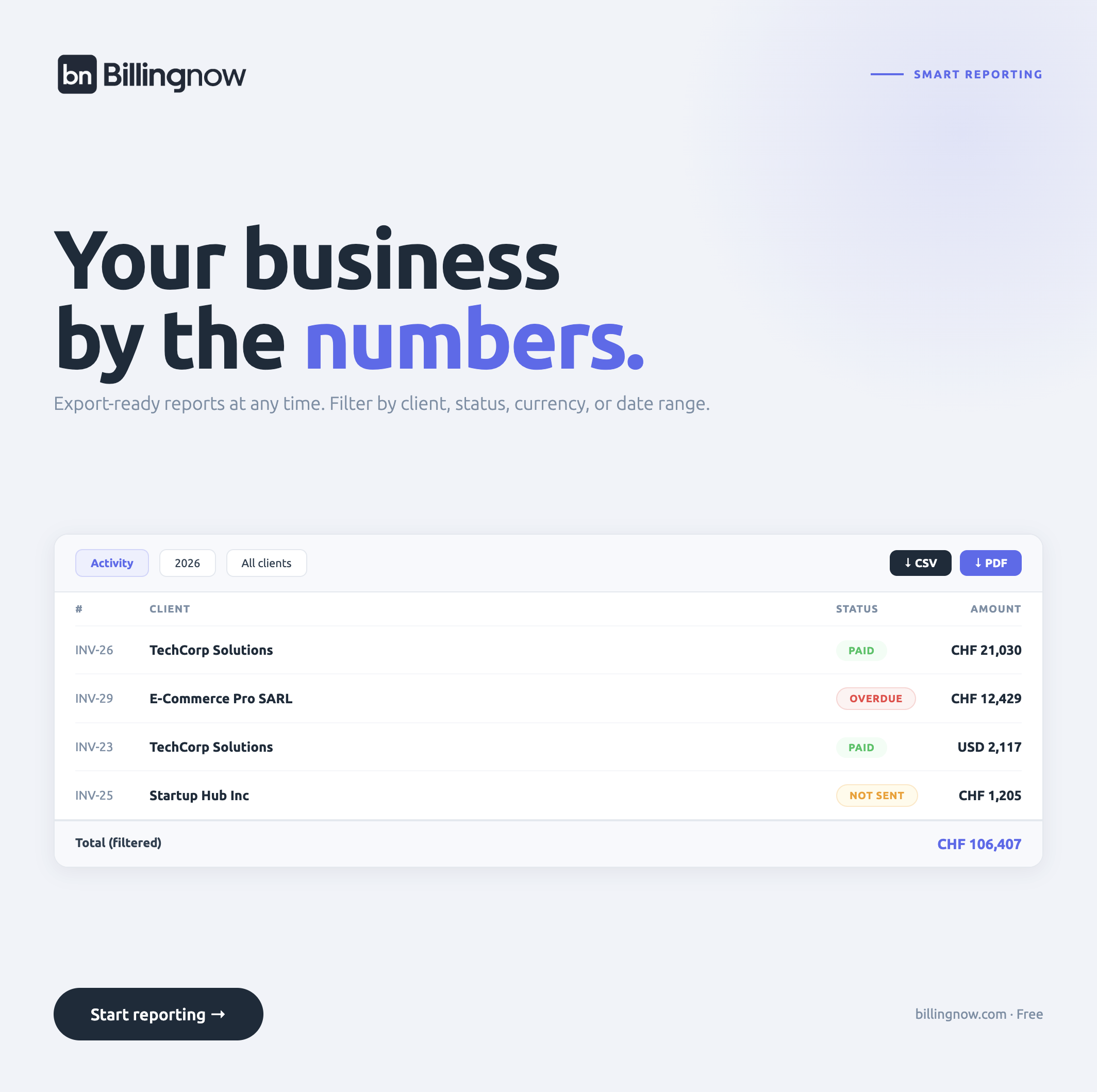
BillingNow’s reports give you tax balances by period, and the built‑in VAT calculator helps you price correctly before you send anything.
5. Check Security, Support, and Data Ownership
You’re trusting your invoicing tool with client details and payment data. Look for:
- Clear security guarantees (encryption, backups, data location)
- Transparent EULA and refund policy
- Human support and a searchable help center
BillingNow follows Swiss quality and data protection standards, so your billing data stays safe while you focus on the work that earns it.