



The Freelancer’s Fast-Track Guide to Invoicing With BillingNow
If you’re a freelancer, invoicing should take minutes, not your whole evening. The right tool helps you send clean, accurate invoices fast and makes it easy for clients to pay without endless reminders.
What a time-saving invoicing tool must do
Before you install yet another app, check if it actually solves your real problems:
- Create invoices in minutes – reusable templates, saved client data, automatic invoice numbers.
- Handle taxes correctly – VAT, GST, or local tax rules without manual math.
- Track payments and late invoices – so you know exactly who owes what, and since when.
- Manage expenses – log project costs so you don’t forget to bill them.
- Stay affordable – especially if you’re a solo freelancer.
Tools like FreshBooks or Zoho Invoice tick some of these boxes, but they often lock key features behind higher tiers. You can compare those directly on BillingNow’s competitor pages like FreshBooks vs BillingNow or Zoho vs BillingNow.
How BillingNow speeds up invoicing
BillingNow is built so you can go from finished project to sent invoice in a couple of clicks.
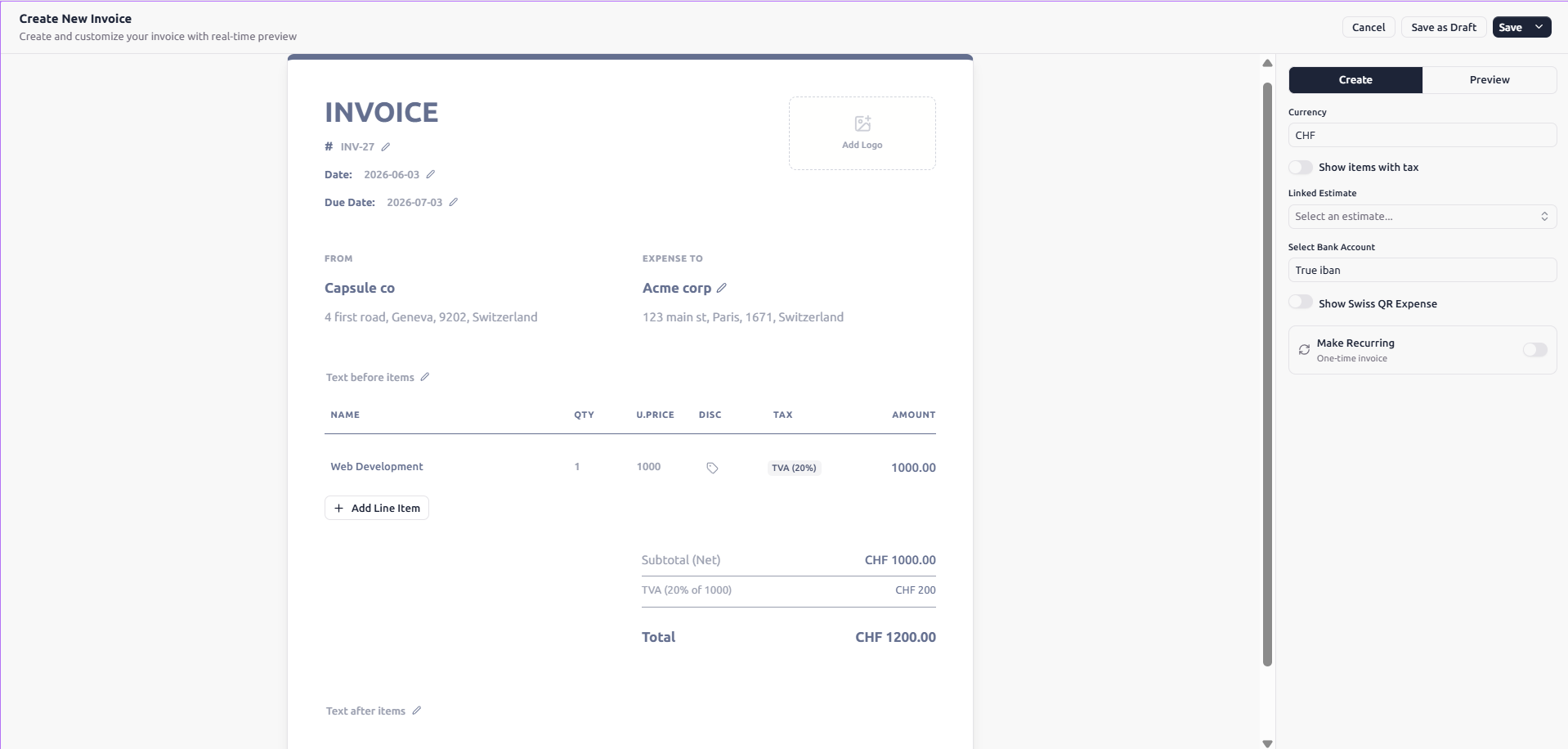
- Use the free Invoice Generator to create a professional invoice without even logging in.
- Save your clients, services, and usual rates so you’re not retyping the same lines every month.
- Apply the right VAT instantly with the built-in VAT calculator.
Because BillingNow follows Swiss quality and data protection standards, your client details and payment history stay secure while still being easy for you to access.
Get paid faster with AI help and clear tracking
The longer it takes to send an invoice, the longer you wait for money. BillingNow’s AI-powered assistant helps you:
- Auto-fill invoice lines based on past projects.
- Suggest payment terms and polite reminder messages.
- Spot unpaid invoices so you know who to follow up with.
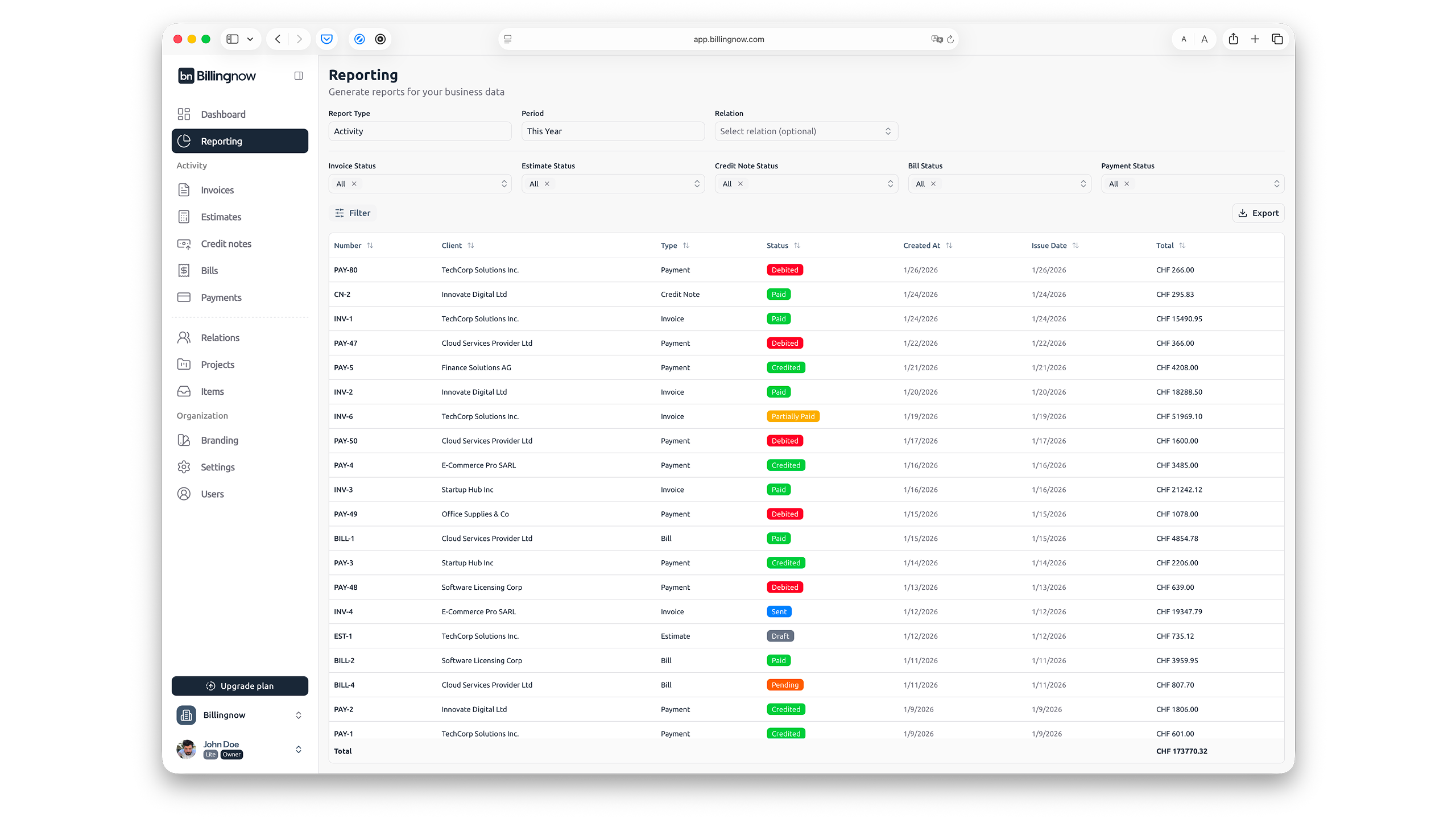
From your reporting view, you can see:
- Total outstanding payments.
- Which clients always pay late.
- Which services bring in the most revenue.
That makes it easier to plan cash flow instead of guessing.
Simple pricing that makes sense for freelancers
As a freelancer, you don’t want another heavy monthly subscription. BillingNow offers:
- A generous free invoicing option with no hidden fees.
- Flexible plans as your business grows.
- An affiliate program if you want to earn by recommending it to other freelancers.
If you get stuck, the Help Center and detailed policies like the Refund Policy and Security pages are easy to find and written in plain language.
Try it on your next invoice
The quickest way to know if BillingNow fits your workflow is to use it for your next invoice:
- Open the Invoice Generator.
- Add your logo, client details, and line items.
- Use the VAT calculator if needed.
- Save the invoice as a template for next time.
If that process takes you more than a few minutes, you know what to optimize next.