



Best Expense Tracking Software for SMBs in 2026: Reviews, Pricing & a Smarter Option
If you're running a small business or freelancing, you don't have time to babysit receipts and spreadsheets. In 2026, the standout expense tools share three traits: automation, clear reports, and fair pricing. Here's how the leading tools stack up, and why many SMBs prefer BillingNow for combined invoicing and expense tracking.
What SMBs actually need from expense software
Before looking at products, check your must‑haves:
- Fast capture – snap receipts, forward emails, or import bank feeds.
- Clean categories – for VAT, tax filing, and client billing.
- Invoicing link – mark expenses as billable to clients.
- Team control – who can add, approve, or see what.
- Export – to your accountant or tax tool without retyping.
Freelancers usually focus on 1–3, while growing teams need approval flows and multi‑user access.
BillingNow: expense tracking inside your invoicing
BillingNow is best known as a free invoicing and billing tool, but its expense features cover what most SMBs need.
Core features for expenses
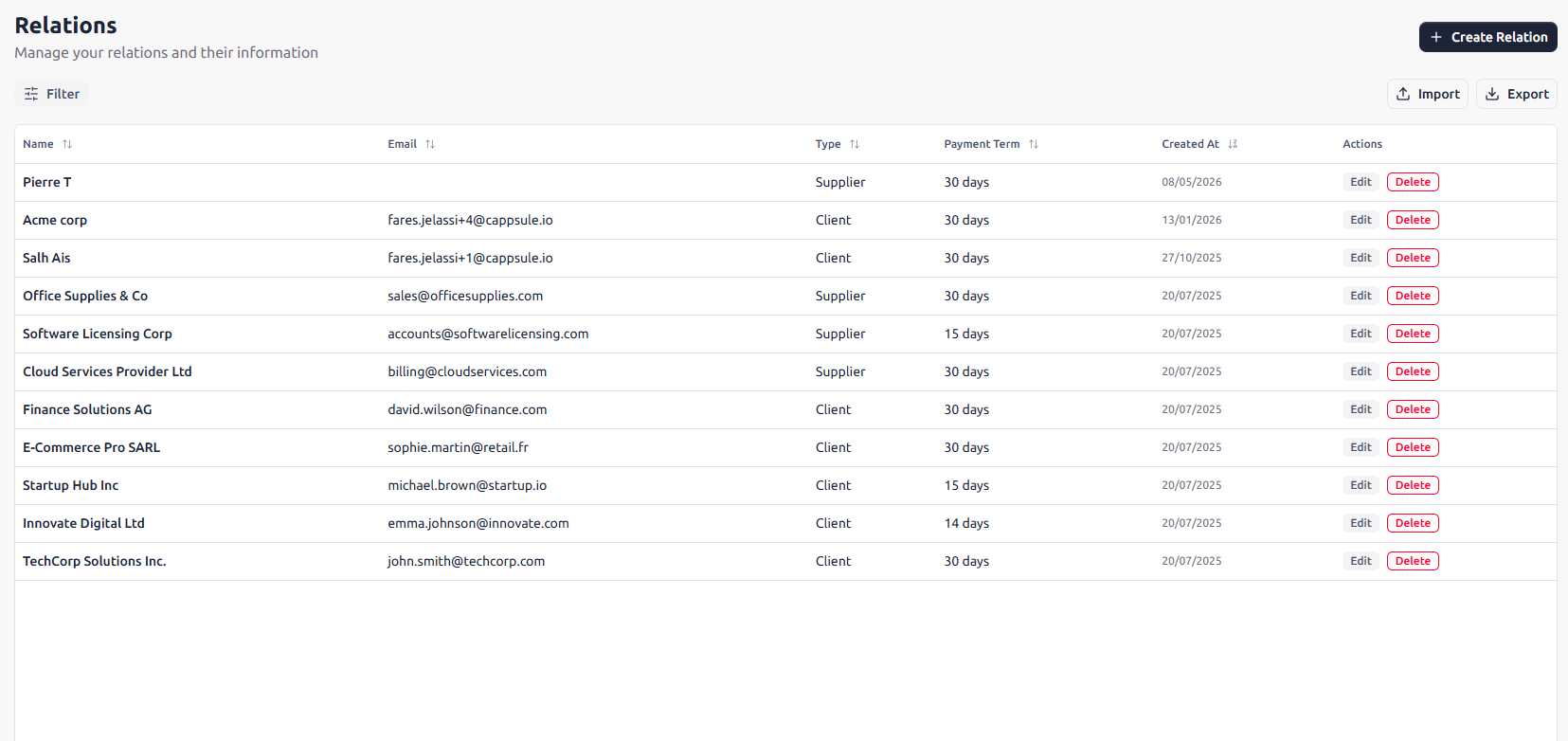
- Log expenses by project, client, or category.
- Attach receipts and keep them stored under Swiss data protection standards.
- Mark costs as billable and pass them directly to invoices using the invoice generator.
- Track VAT per line and double‑check amounts with the VAT calculator.
Pricing in 2026
- Starts with a free plan for freelancers and very small teams.
- Paid tiers add more automation, extra users, and AI features, with transparent, SMB‑friendly pricing.
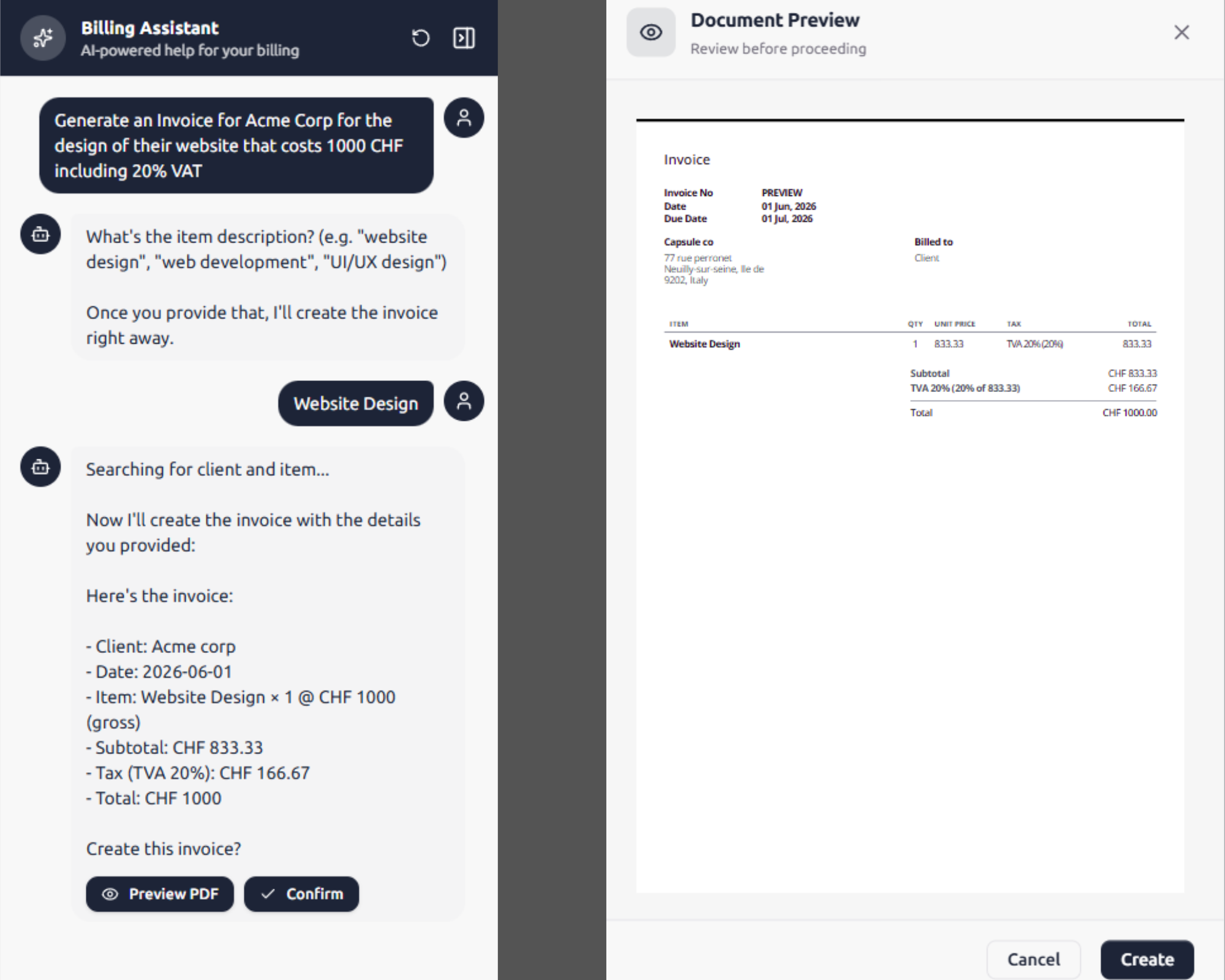
For hands‑off workflows, BillingNow offers AI agents that can:
- Read incoming receipts.
- Suggest categories.
- Prep an invoice when an expense is billable.
How BillingNow compares to popular alternatives
BillingNow publishes side‑by‑side comparisons with other platforms:
Those tools are strong, but often:
- Charge per user at levels that sting small teams.
- Separate invoicing, time tracking, and expenses into different modules.
BillingNow keeps invoicing, expenses, and client management together, with Swiss‑grade security and clear terms and refund policy.
Choosing the right tool in 3 quick checks
- Add one real week of expenses. If it feels fiddly after 10 receipts, move on.
- Create one client invoice that includes billable expenses. Timing that single task gives you a real comparison.
- Ask: can I grow on this? Look for multi‑user options, fair pricing, and a visible roadmap of updates.
If you want to try expense tracking tied directly to invoicing, start with a free BillingNow account, explore the help center, and see if it fits how you already work.