



Best Invoice Generators Compared: A Simple Framework to Pick the Right One
Search for best invoice generators and you’ll see long comparison tables that are hard to act on. Instead of looking at 30 features, you really need to answer just one question:
Which invoice generator will save me the most time for the lowest stress?
Here’s a 4-step comparison framework you can apply to any tool : FreshBooks, Zoho, Invoice2go, Invoice Fly, or BillingNow to quickly see which one fits your workflow.
Step 1: Check the “daily friction” points
Start with how you actually work day-to-day.
Ask yourself:
- How often do I invoice : daily, weekly, monthly?
- Do I bill by project, hourly, or retainers?
- Do I manage expenses and VAT, or just simple totals?
Then see how each invoice generator handles those tasks.
Example comparison
- FreshBooks – Great for time-tracking + invoicing, but can feel heavy if you only need basic billing.
- Zoho Invoice – Strong for multi-module business suites, slightly steeper learning curve.
- Invoice2go / Invoice Fly – Simple and mobile-first, but less automation when you scale.
BillingNow’s angle
BillingNow focuses on low-friction, repeatable invoicing:
- Clean interface with minimal steps
- Fast client + item reuse
- Straightforward expense inputs
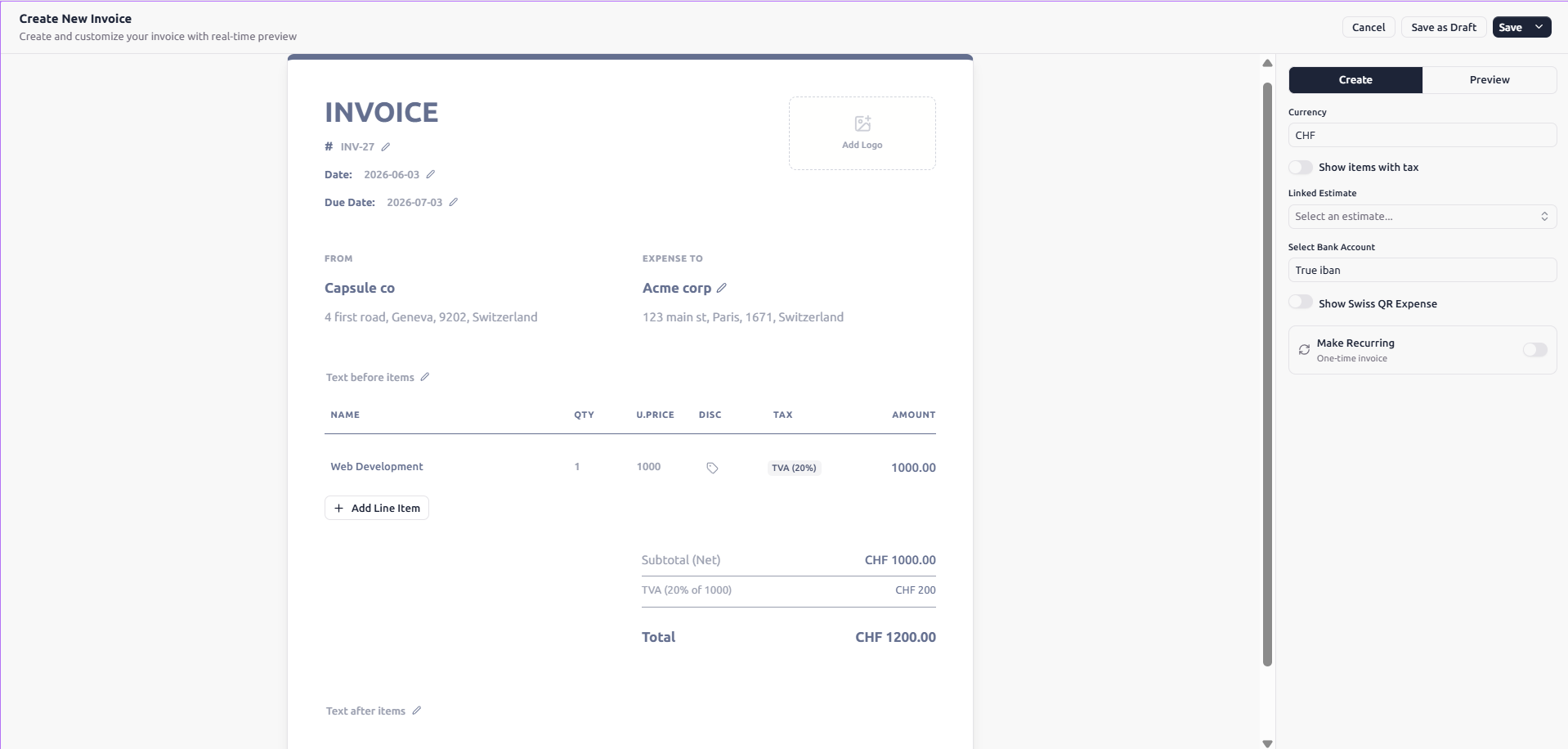
The invoice generator is intentionally simple so you don’t need training or onboarding calls.
Step 2: Compare automation, not just features
Feature lists don’t tell you how much work the software actually removes from your life.
Focus on automation in these areas:
- Creating invoices – templates, saved items, client autofill
- Sending and reminders – one-click sending, automatic nudges
- Tracking payments – clear status, credits/debits, reports
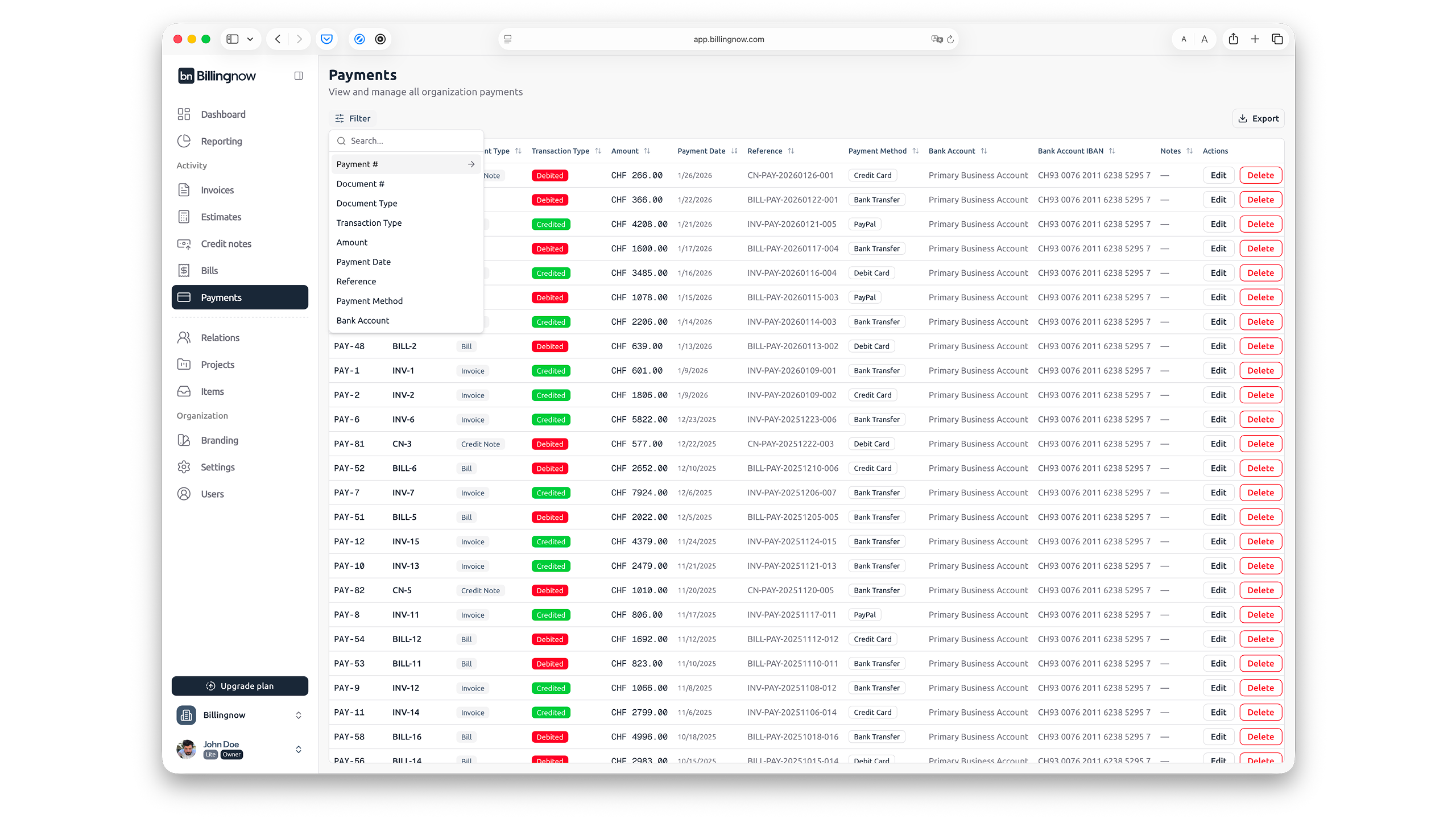
Many tools stop at step 1. BillingNow extends automation across all three.
BillingNow’s AI-powered automation
With AI agents, BillingNow can:
- Turn a short note into a complete invoice draft
- Suggest due dates and payment terms based on your habits
- Propose actions like “send reminder” when an invoice is overdue
Example AI prompt
"Create an invoice for ACME: 8 hours of design at 90 EUR, plus 50 EUR expenses, due in 10 days."
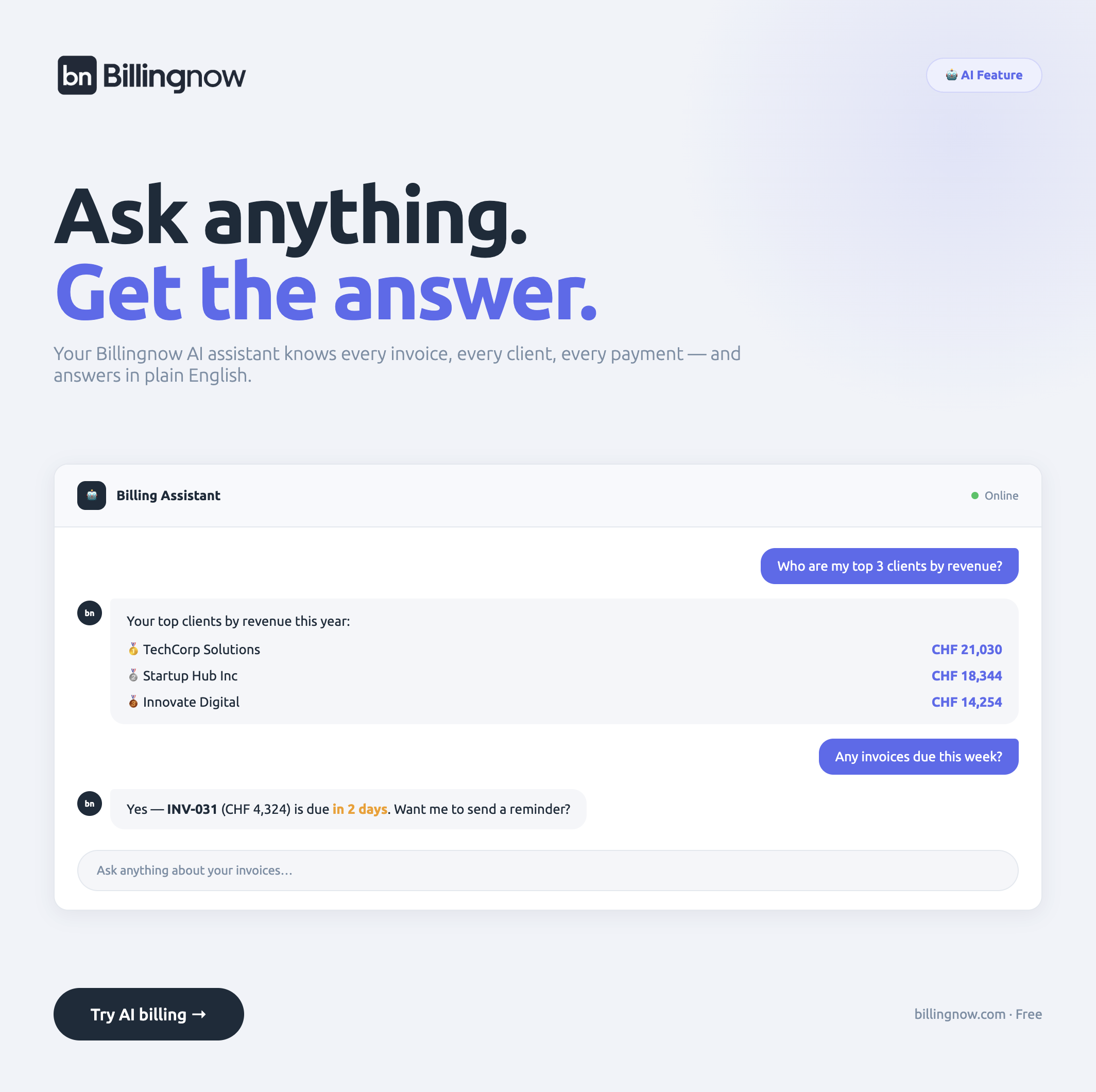
For technical users or agencies, there’s even an AI-ready CLI and OpenClaw to plug BillingNow into scripts and workflows.
:::cta
Let Your Invoice Generator Do the Busywork
BillingNow uses AI and smart defaults to handle repetitive billing tasks — from drafting invoices to tracking who has paid.
It turns manual admin into automated workflows, so you stay focused on clients, not spreadsheets.
Simple, secure, and free invoicing with Swiss-level reliability.
Step 3: Look beyond the headline price
On paper, many invoice generators look similarly priced. The differences show up in the fine print and growth path.
Questions to ask:
- How many clients and invoices are allowed on my plan?
- Are features like reminders or reports extra?
- Do I pay for each team member later on?
Where BillingNow stands out
BillingNow is:
- Free to start and transparent about upgrades
- Built with small businesses and freelancers in mind
- Backed by Swiss quality standards and strong security
If you recommend it to others, you can even earn via the affiliate program.
For deeper comparisons, see:
Step 4: Consider support, VAT, and real-world headaches
Finally, look at the annoying parts of invoicing that rarely make it into glossy marketing pages:
- Handling VAT correctly
- Fixing mistakes on invoices
- Getting help when something breaks
VAT and tax handling
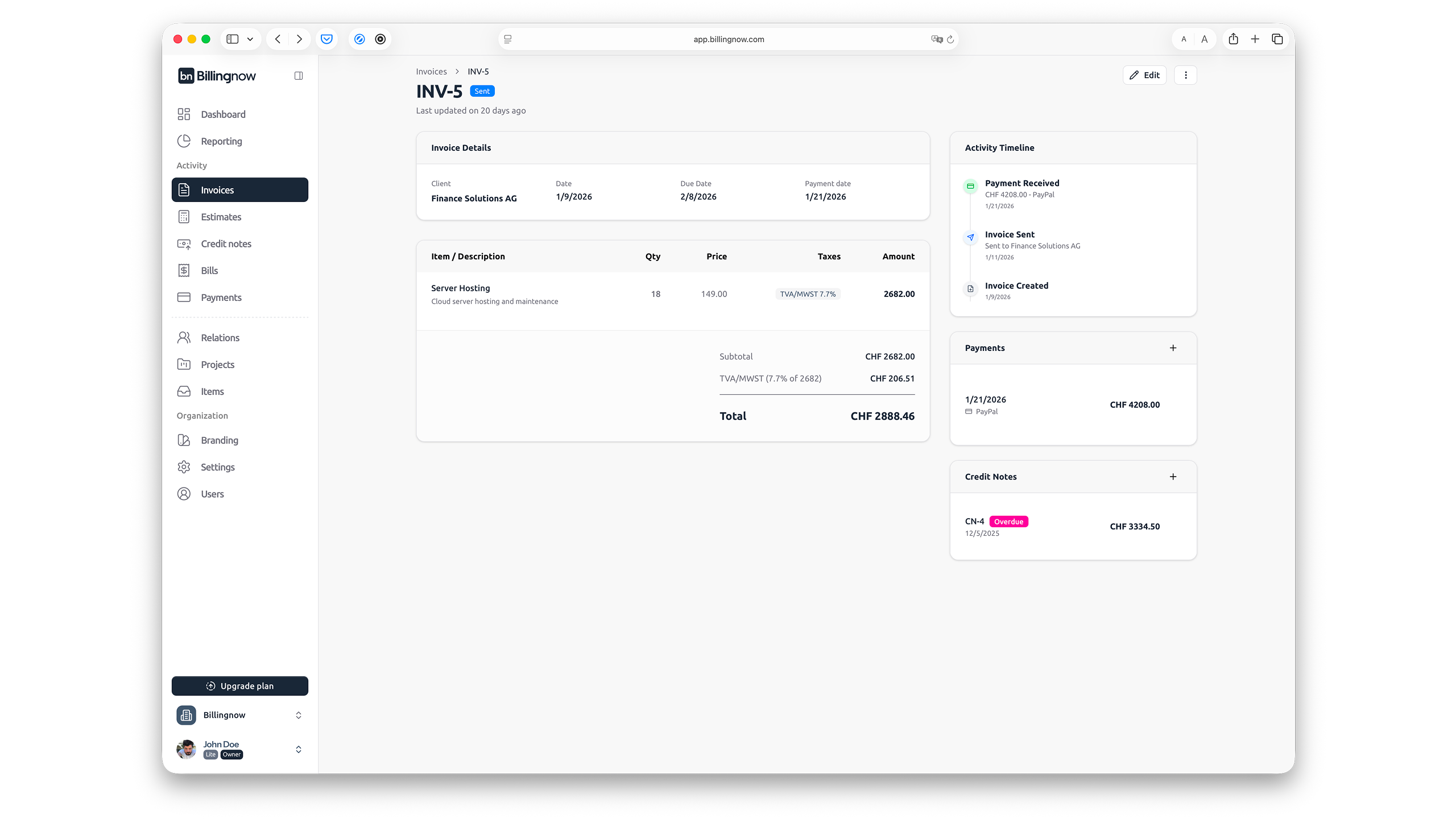
If you’re in a VAT region, this is critical. BillingNow includes a dedicated VAT calculator to:
- Check VAT amounts on the spot
- Avoid miscalculations and rounding errors
- Quickly see net vs gross pricing
Support and reliability
BillingNow provides:
- A searchable help center
- Clear EULA and refund policy
- Strong data protection aligned with Swiss quality standards
These aren’t flashy features, but they’re what make a tool safe to rely on long term.
Quick recap: Applying the framework
When you compare invoice generators, use this checklist:
- Daily friction – Does it match how you actually bill?
- Automation – Does it reduce work beyond just making PDFs?
- Real cost – Are there hidden limits or upgrade traps?
- Support & VAT – Is it safe and practical for real clients and tax rules?
Across these four areas, BillingNow consistently scores highly while staying free to start and easy to use.
You can dive deeper via the BillingNow blog or skip straight to trying the invoice generator with your next client. It takes just a couple of minutes to see if it’s the right fit.